

My first air fryer had eleven icons on the panel and the manual explained four of them. There was a drumstick, a shrimp, something that might have been a steak or a bar of soap, and a mysterious snowflake I pressed for a month before learning what it did. If you have stood in front of your machine playing icon roulette, this page is the decoder I wanted that month.
Here is the liberating secret up front: underneath every symbol, an air fryer has exactly three things it can vary. Temperature, time, and on fancier machines, fan speed. Every icon on the panel is just a saved combination of those three. Decode that, and the scariest control panel becomes a menu of suggestions you are free to overrule.
Quick answer: the pictures of food are presets, factory-saved time and temperature pairs, and they are guesses about your food, not instructions. The mode buttons (air fry, roast, bake, dehydrate) mostly change fan speed and temperature range. The only two controls you truly need are temperature and time, set by hand. Everything else is convenience or decoration.
The universal symbols, decoded
Brands redraw these slightly, but the shapes below are what you will find on nearly every panel. Match yours to the closest drawing:
| Icon | Symbol | It means | Worth using? |
|---|---|---|---|
| Fan with air lines | Air fry mode: top heat, fan at full speed | Yes, this is the machine's main personality | |
| Thermometer | Temperature control, usually 170-400°F | Yes, one of the two controls that matter | |
| Clock or hourglass | Timer; most machines stop when it ends | Yes, the other control that matters | |
| Three wavy lines | Preheat cycle or "hot surfaces" warning by placement | Preheat: sometimes; the preheat guide covers when | |
| Snowflake | Frozen food preset: adds a few minutes at high heat | Harmless; the chart in the frozen food guide is more precise | |
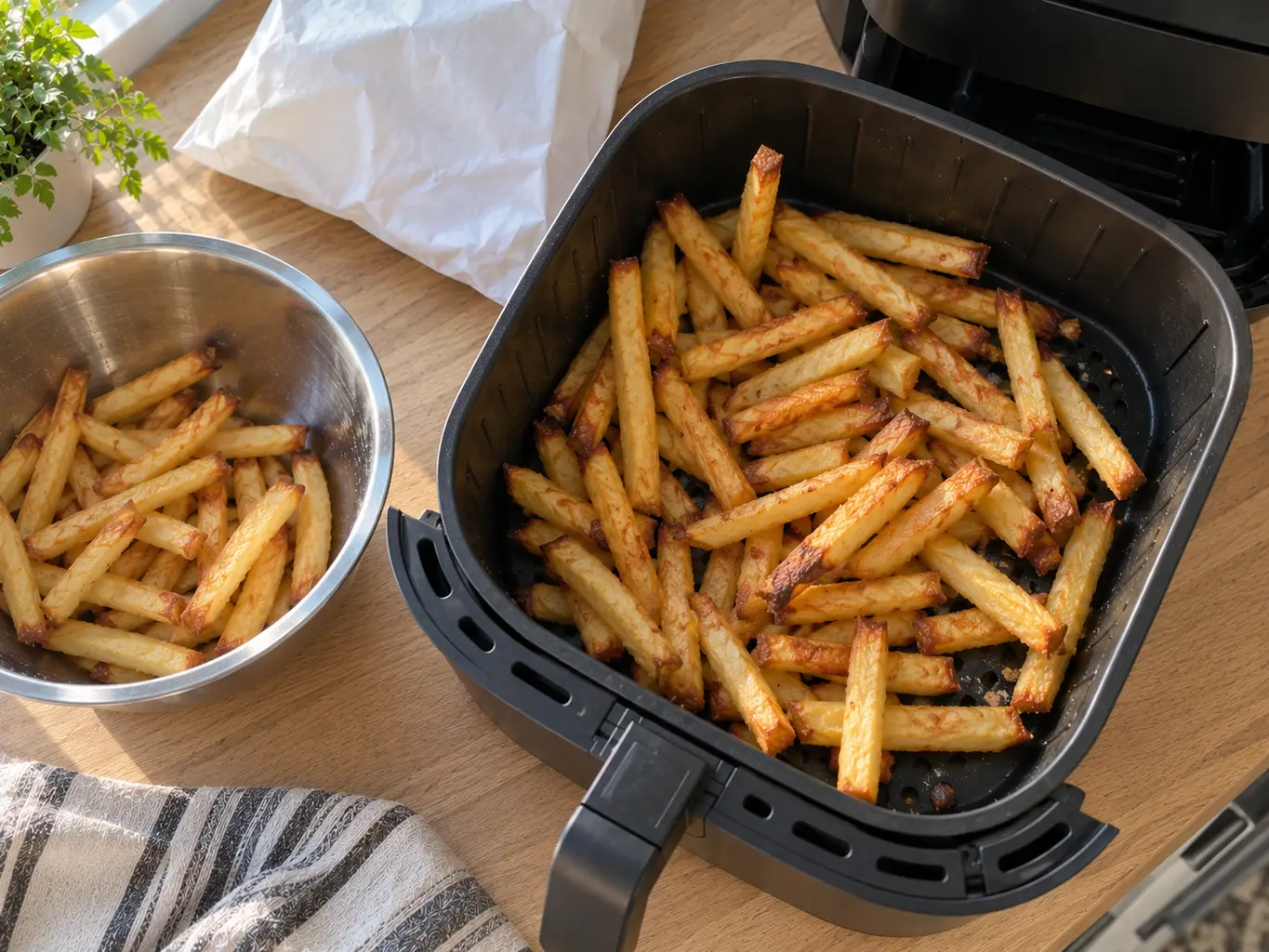
| Fries cup | Preset near 400°F for 15-18 min | Decent guess for a standard bag | |
| Drumstick | Preset near 380°F for 20-25 min | Ignores thickness; trust a thermometer instead | |
| Fish | Preset near 350-370°F for 10-12 min | Reasonable for fillets, wrong for whole fish | |
| Shrimp | Preset near 370°F for 8 min | Fine, shrimp are forgiving | |
| Steak | Preset near 400°F for 10-14 min | Doneness is a thermometer's job, not an icon's | |
| Cake or cupcake | Bake mode or preset near 320°F, gentler fan | Yes, the right neighborhood for baking | |
| Bacon strips | Preset near 350°F for 8-10 min | Close enough, watch the smoke; the smoke guide explains why | |
| Rotating arrows | Shake or turn reminder mid-cook | Genuinely useful, let it nag you | |
| Padlock | Child lock, usually hold 3 seconds | The answer when the panel "stops working" | |
| Lightbulb | Interior light on models with windows | Sure, peeking beats opening |
What each mode actually does
Modes are the buttons that sound like different appliances. What they really change is fan speed and default temperature:
- Air fry: fan at maximum, defaults around 380-400°F. For anything that should crunch: fries, wings, breaded food, roasted vegetables. This is the mode the machine is named after and the one you will use most.
- Roast: same heat, slightly slower fan on machines that differentiate, defaults around 350-380°F. Meant for meats and vegetables you want browned but not blasted. On many models it is air fry wearing a different name.
- Bake: the gentlest fan and cooler defaults, around 300-330°F. This is the mode this site lives in: the softer airflow stops cakes and muffins from skinning over, the entire subject of how to bake in an air fryer. If your machine lacks a bake mode, air fry at a lower temperature does the same job, and the air fryer calculator translates any oven recipe into those settings.
- Broil or grill: top element at full power, minimal fan, for melting and browning surfaces fast. Watch it like a hawk; broil does not forgive a wandering cook.
- Dehydrate: very low heat, 120-180°F, gentle fan, for hours. Turns fruit leathery and herbs papery. A real feature, not a gimmick, if you will actually use it.
- Reheat: a preset around 320-350°F for a few minutes, aimed at leftovers. The idea is right; the reheating guide gives you the per-food version.
- Keep warm: holds around 170°F. Fine for 20 minutes; past that, crispy food goes cardboard.
The food presets, decoded
Here is what the manual never says plainly: the fries button does not detect fries. Each preset is a fixed time and temperature the manufacturer picked for an average version of that food, in their test kitchen, with their basket. Your steak fries are not their shoestrings, and your drumsticks are not their test drumsticks.
Use presets the way you would use a stranger's recipe: a starting point the first week, replaced by your own numbers the second. The one habit that beats every preset is checking early and finishing by eye and thermometer, which is rule five of the beginner guide.
Buttons you can ignore
- Most of the preset gallery. After a month you will use two of the eight, if any.
- App connectivity. Your basket does not need firmware updates or a push notification. The machine works because of a fan, not the cloud.
- "Turbo" and similar branded modes. Marketing names for air fry at max settings, which you can set yourself with the two real knobs.
- Voice control. You still have to walk over to flip the food.
The manual settings that beat them all
Three numbers cover nearly everything, and they are worth memorizing over any icon: 400°F for frozen and crispy food, 375°F for fresh savory cooking, and 310-325°F for baking. Set time short, check early, add minutes freely. For exact per-food settings, the baking chart is the printable version of my machine's memory, and the air fryer calculator converts any oven recipe on the fly.
Brand quirks worth knowing
- Ninja: mode names multiply (Max Crisp, Air Broil, Air Crisp) but map to the fan-speed logic above; Max Crisp is air fry at 450°F, which will overshoot most recipes' timings, so check early.
- Cosori: presets skew hot; their fries button runs 400°F where others run 380°F. Trust your eyes over their icon.
- Philips: the icon-heaviest panels, but the underlying defaults are conservative and sensible. The snowflake there means frozen preset, not defrost.
- Instant (Vortex): the display walks you through preheat and turn reminders with words, the least decoding required of any brand.
- Toaster-oven combos: mode buttons matter more here because elements and racks actually change; the air fry setting behaves differently from a basket, which is the whole subject of the air fryer vs toaster oven guide.
Frequently asked questions
QWhat do the symbols on my air fryer mean?
The food pictures (fries, drumstick, fish, shrimp) are presets: saved time and temperature combinations for an average version of that food. The thermometer is temperature, the clock is time, a fan with wavy lines is air fry mode, a snowflake is a frozen-food preset, and a padlock is the child lock. Every symbol is ultimately shorthand for some combination of temperature, time and fan speed.
QWhat is the difference between air fry, roast and bake settings?
Mostly fan speed and default temperature. Air fry runs the fan at maximum around 380 to 400 degrees F for crisping. Roast slows the fan slightly around 350 to 380 for meats and vegetables. Bake runs the gentlest fan around 300 to 330 so batters and doughs cook through without their surface drying out. On simpler machines the buttons change only the defaults, and you can reproduce any mode with the manual temperature control.
QShould I use the preset buttons on my air fryer?
As hints in your first week, sure; as instructions, no. A preset cannot know how thick your chicken is or how crispy you like fries, so it is wrong as often as right. Manual temperature and time, plus checking early, beats every preset. Most experienced owners stop touching the presets within a month.
QWhat does the snowflake symbol mean on an air fryer?
It is the frozen food preset: the machine adds a few minutes and usually runs high heat to account for food going in frozen. It is not a defrost mode and it does not thaw anything. It is a reasonable shortcut for a standard bag of fries or nuggets, though a per-food chart gives more precise results.
QWhat do the three wavy lines on an air fryer mean?
In the display, three wavy lines usually mean the preheat cycle is running, and the machine will beep when it is ready for food. Printed on the body of the machine near the top or back, the same symbol is a hot-surface warning. Position tells you which one you are looking at.
QWhat does the paddle or rotating arrows symbol mean?
It is the shake or turn reminder: the machine beeps partway through cooking to tell you to shake the basket or flip the food. It does not change the cooking itself, it just nags you, and it is one of the most genuinely useful features on the panel since moving food at halfway is what evens out browning.
QWhy is my air fryer control panel not responding?
Check the padlock icon first: most machines have a child lock enabled by holding a button for three seconds, and it gets triggered by accident constantly. Beyond that, most panels refuse input while the basket is not fully seated, so push the drawer firmly closed. If both check out, unplug for a minute and restart.
QWhat temperature and time should I use instead of presets?
Three manual numbers cover nearly everything: 400 degrees F for frozen and crispy foods, 375 for fresh savory cooking, and 310 to 325 for baked goods. Set less time than you expect and check at two thirds of the way. For oven recipes, subtract about 25 degrees and start checking at three quarters of the stated time, which is exactly what the air fryer calculator on this site automates.
QDo air fryer modes actually change how the machine cooks?
On mid-range and premium machines, yes: modes change fan speed and sometimes which elements run, so bake mode really is gentler than air fry mode. On many budget machines, the mode buttons only change the default time and temperature, and the cooking is identical. Either way, manual temperature and time can reproduce any mode's behavior on any machine.
QWhat is the dehydrate setting for?
Long, very low cooking, usually 120 to 180 degrees F for 4 to 12 hours, with the fan drying food slowly instead of cooking it. It makes fruit leather, dried apple chips, jerky and crisp herbs. It is the same drying principle as air frying, just slowed down enormously, and it works genuinely well if you will actually use it.
Never overbake again
Get our one-page times & temps cheat sheet, plus a new tested recipe each week.
No spam · unsubscribe anytime
Once the panel makes sense, the rest is practice. The beginner guide covers those first practice weeks step by step, what is an air fryer explains what the machine physically does behind all these buttons, and the two tools this page kept mentioning, the air fryer calculator and the baking chart, replace preset guessing with actual numbers. Everything to point those settings at lives in the recipe index.
You can also follow me on Instagram and Pinterest for more easy air fryer recipes.